
The Sarvam Tools field guide
JPEG, PNG or WebP?
Compare the actual files.
There is no single smallest format for every image. We tested three original samples with our compressor, kept their dimensions identical, and published every result so you can inspect the tradeoffs yourself.
By Sarvam Tools · Measured 2026-10-16 · About 4 minutes
Try the image compressor →Choose for the image you have
- Photos and textured images: compare JPEG with lossy WebP. In our textured illustration, JPEG at quality 80 was smaller. This does not predict the winner for your photographs.
- Screenshots and text: inspect fine edges at full size. Our interface sample’s lossless WebP was only 272 B larger than lossy WebP.
- Transparent graphics: keep PNG or WebP when you need transparency. JPEG fills those areas with a background color; our comparison uses white.
Three samples, four exports each
These are synthetic illustrations created for this test: textured artwork, an interface mockup and a transparent graphic. They are not a representative photo dataset. All exports are 960 × 640 pixels. “Quality 80” is an encoder setting, not a shared visual-quality score across formats.
Textured illustration
Download source PNG · 884.3 KB
Scaled preview. Download files and view at 100% to judge fine detail.
| Export | Size |
|---|---|
| JPEG · quality 80 | 70.6 KB |
| WebP · quality 80 | 123.2 KB |
| WebP · lossless | 591.7 KB |
| PNG · lossless | 884.3 KB |




100 KB target, WebP, maximum quality 80, no resizing: 94.5 KB at quality 75. Target met.
Interface and small text
Download source PNG · 29.4 KB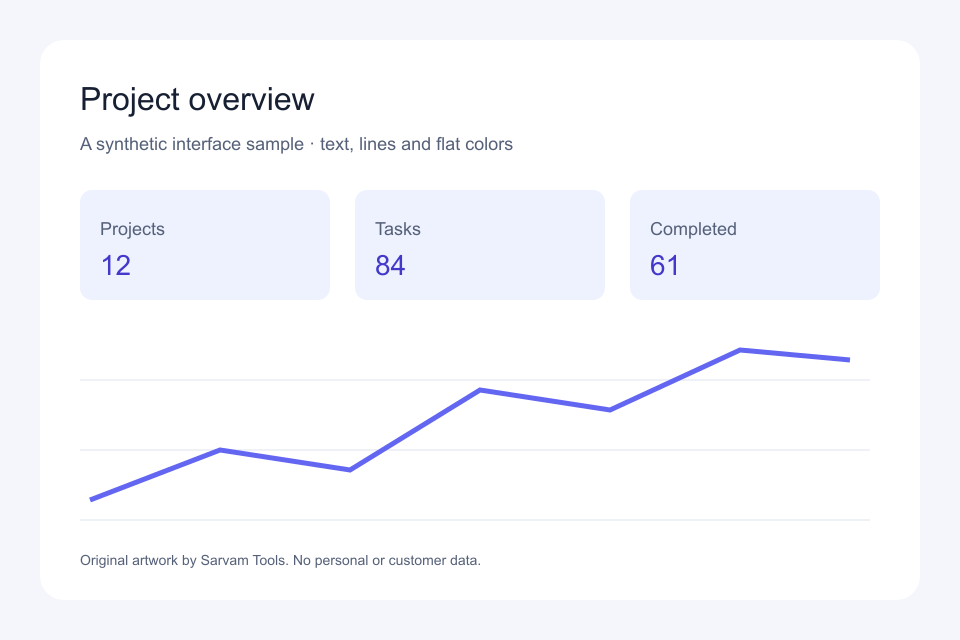
Scaled preview. Download files and view at 100% to judge fine detail.
| Export | Size |
|---|---|
| JPEG · quality 80 | 21.2 KB |
| WebP · quality 80 | 14.7 KB |
| WebP · lossless | 15.0 KB |
| PNG · lossless | 29.4 KB |
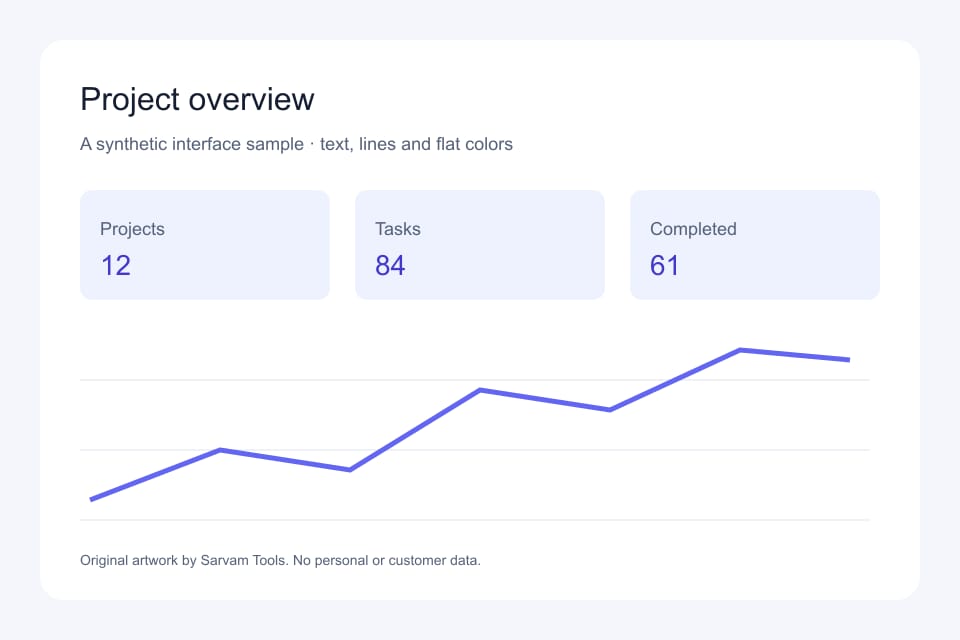
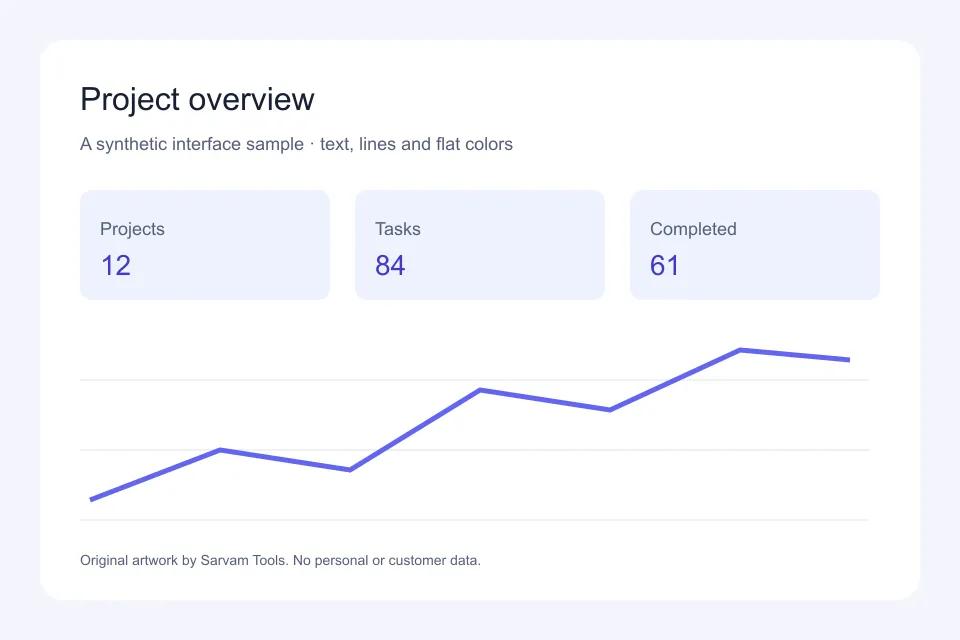
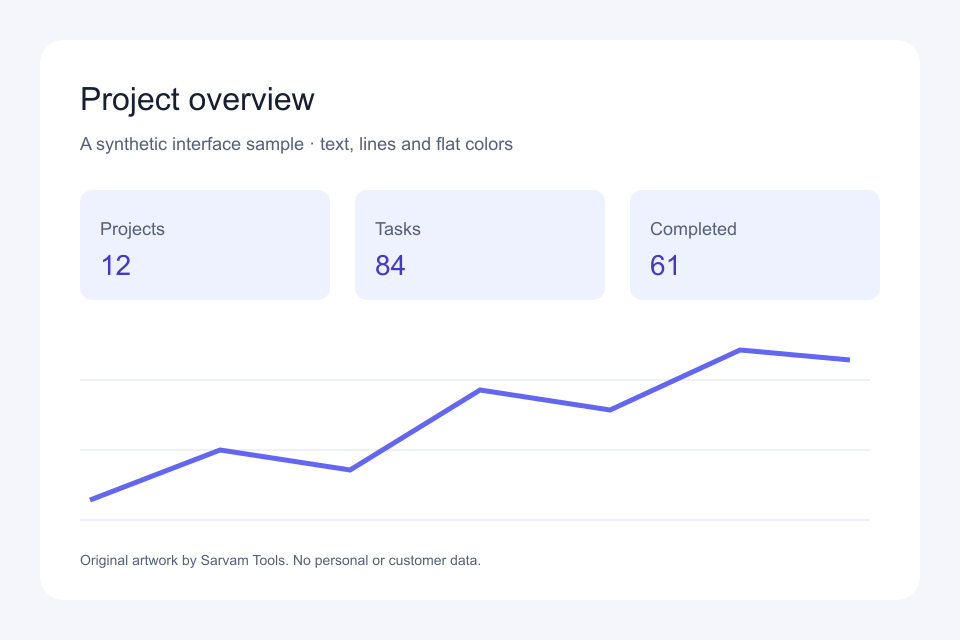
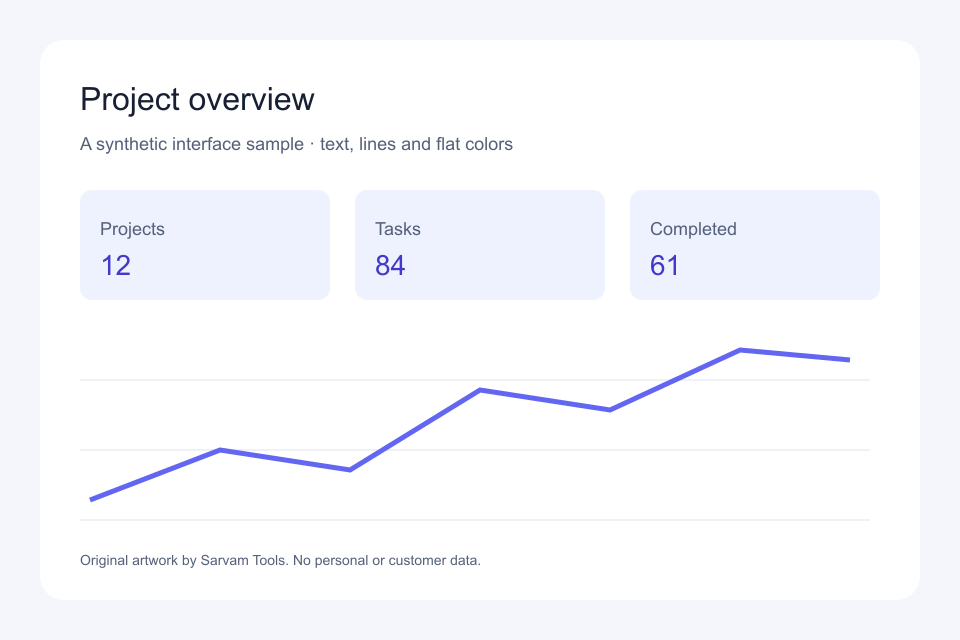
100 KB target, WebP, maximum quality 80, no resizing: 14.7 KB at quality 80. Target met.
Transparent graphic
Download source PNG · 17.5 KB
Scaled preview. Download files and view at 100% to judge fine detail.
| Export | Size |
|---|---|
| JPEG · quality 80 | 12.8 KB |
| WebP · quality 80 | 11.5 KB |
| WebP · lossless | 8.4 KB |
| PNG · lossless | 17.5 KB |
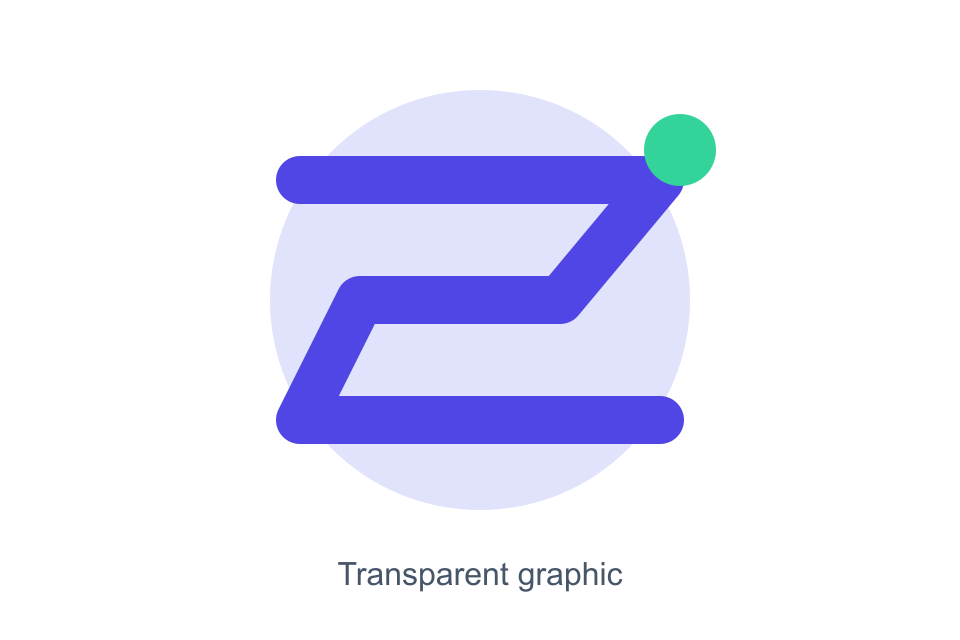
100 KB target, WebP, maximum quality 80, no resizing: 11.5 KB at quality 80. Target met.
Compress a batch toward an upload limit
- Add up to 10 still images. Each can be up to 18 MiB and 12 megapixels, with a 60 MiB combined upload limit.
- Choose a format, then enable “Aim for a file size.” Try 100, 200 or 500 KB, or enter the limit required by your destination.
- Enable “Allow smaller dimensions” only if you can accept a smaller image. The tool searches quality first; PNG and lossless WebP do not become lossy.
- Run the batch. Check each target label and compare the previews. Download one image or a ZIP of the completed results.
A target is a ceiling to aim for, not a promise. Quality search stops at 40 (or your chosen quality if lower), and automatic target resizing stops at a 320-pixel longest edge. If the bounded search cannot meet the limit, the result is clearly marked “Above target.” ZIPs can include those results, so check their labels.
A short walkthrough
A captioned example using these sample images: choose a batch, set a target, then compare and download.
Method and limitations
We created three original 960 × 640 PNGs and passed each through the same native pipeline used by this tool. JPEG uses quality 80 with MozJPEG, lossy WebP uses quality 80, and PNG uses compression level 9. Lossless WebP uses lossless mode. No dimensions were changed. Files were encoded with Sharp 0.35.5 and libvips 8.18.7. Sizes are measured from the resulting bytes, not estimates.
This is a comparison of our export options, not a test against other websites. Different sources, encoder versions or settings will give different results. Smaller files can lose detail. Lossless encoding preserves pixels after any resizing or color conversion; it does not preserve metadata. Files you submit to the compressor are processed on our server.
You may reuse these original sample images for testing. Download the exact measurements.